
Why PromptBox users are switching to Promptzy
PromptBox works as a quick save-and-paste tool inside Chrome. But as your prompt library grows and your workflow expands beyond the browser, the limitations of PromptBox become impossible to ignore. Here is what is driving people to look for a PromptBox alternative.
PromptBox only works inside Chrome
PromptBox is a Chrome extension. Open Cursor, VS Code, Terminal, or any non-browser app and your PromptBox prompts are unreachable. Promptzy is a native Mac app that works across every application on your system, not just browser tabs.
PromptBox charges $9 to $29 per month
PromptBox's subscription costs $9 to $29 per month. Over a year, that is $108 to $348 for a browser-based prompt clipboard. Promptzy Pro is a single $5 payment. No subscription, no renewal, no escalating tiers like PromptBox.
PromptBox stores your data on their cloud
Your PromptBox prompts live on their servers in a proprietary format. You cannot easily export them, read them in another editor, or back them up locally. Promptzy stores every prompt as a plain .md file on your Mac. Your data, your files, your control.
PromptBox cannot sync to AI tools
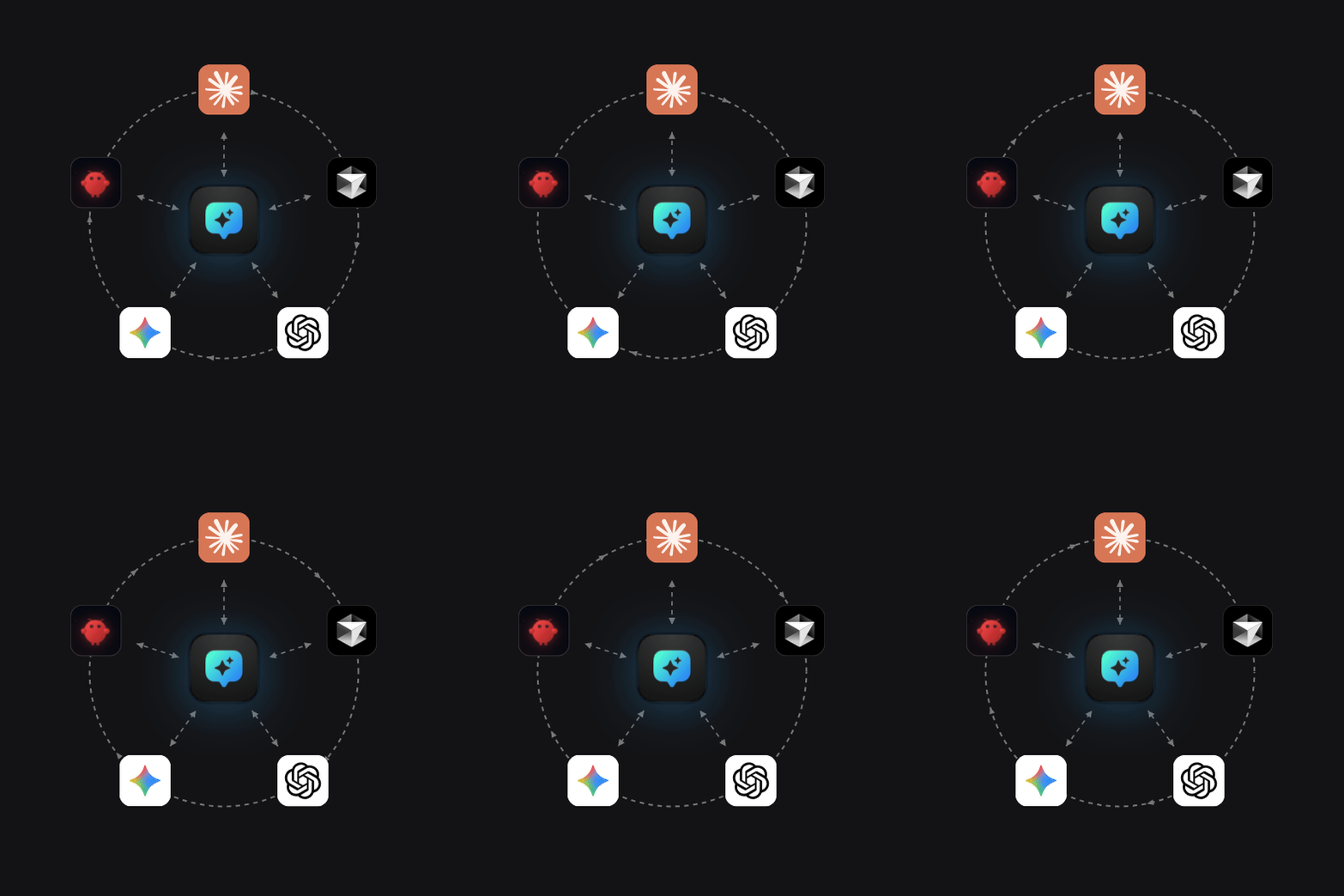
PromptBox saves prompts for manual copy-paste. It cannot push prompts to Claude Projects, Cursor rules, or any other AI tool as native instructions. Promptzy syncs your entire prompt library to Claude, Cursor, ChatGPT, Gemini, and Codex automatically.
PromptBox vs Promptzy: feature comparison
A side-by-side breakdown of PromptBox and Promptzy. Promptzy matches or beats PromptBox on every feature and adds capabilities that PromptBox does not have: a spotlight launcher, multi-app sync, dynamic tokens, and local file storage.
| Feature | Promptzy | PromptBox |
|---|---|---|
| Platform | Native macOS desktop app | Chrome extension only |
| Pricing | Free tier / $5 one-time Pro | $9 to $29 per month subscription |
| Works outside browser | Yes. Works in any app on your Mac | No. PromptBox only works in Chrome |
| AI tool sync | Sync to Claude, Cursor, ChatGPT, Gemini, Codex | No. PromptBox cannot sync to AI tools |
| Keyboard shortcuts | Assign a global hotkey to any prompt | No per-prompt shortcuts in PromptBox |
| Spotlight launcher | Cmd+Shift+P fuzzy search from any app | No. PromptBox has no search launcher |
| File format | Plain .md files on your Mac | Proprietary cloud storage |
| Offline support | Fully offline. No internet required | No. PromptBox requires internet |
| Dynamic tokens | {{clipboard}}, {{date}}, {{time}}, custom variables | No token support in PromptBox |
What Promptzy does that PromptBox cannot
Spotlight-style launcher replaces PromptBox's browser-only access
PromptBox requires you to be in a Chrome tab to access your prompts. Promptzy gives you a system-wide spotlight launcher. Hit Cmd+Shift+P from any app and start typing. Fuzzy search finds the right prompt in milliseconds and auto-pastes it into the active window. At 100+ prompts, this is dramatically faster than navigating PromptBox's Chrome interface.
Dynamic tokens that PromptBox does not support
Copy a block of code, fire a prompt, and {{clipboard}} injects it automatically. No manual paste, no context switching. Combined with{{date}}, {{time}}, and custom variables, every prompt adapts to context at paste time. PromptBox stores static text with no dynamic capabilities. Every paste from PromptBox is the same every time.
Sync to Claude, Cursor, and ChatGPT (PromptBox cannot)
Promptzy syncs your entire prompt library directly into the AI tools you use daily. Set up sync targets for Claude Projects, Cursor rules, ChatGPT, Gemini, or Codex, and your prompts stay consistent everywhere. Edit once in Promptzy and the change propagates to all connected tools. PromptBox has no concept of AI tool integration or cross-app syncing.
Plain Markdown files vs PromptBox's proprietary cloud storage
Every Promptzy prompt is a .md file on your Mac. Edit in VS Code, version with Git, sync with Dropbox or iCloud. PromptBox stores your prompts on their cloud servers in a proprietary format. Cancel your PromptBox subscription and getting your prompts out is a headache. With Promptzy, your files are yours forever in a universal format.
$5 once vs PromptBox's $9 to $29 per month subscription
PromptBox charges $9 to $29 per month. Over two years, that is $216 to $696 for a Chrome extension that saves text. Promptzy Pro is a single $5 payment that never renews. The free tier gives you 10 prompts with full functionality including the spotlight launcher and Markdown editor. No trial that expires, no features held hostage behind PromptBox's monthly subscription tiers.
Switch from PromptBox in under a minute
Download Promptzy, copy your PromptBox prompts into Markdown files, and start managing them from a native Mac app instead of a Chrome extension.
PromptBox alternative: frequently asked questions
How do I migrate my PromptBox prompts to Promptzy?
PromptBox does not offer a clean export format, but you can copy your PromptBox prompt text and paste it into .md files in your Promptzy vault folder. Promptzy stores everything as plain Markdown, so there is no proprietary format to deal with. Once your files are in the vault, they appear instantly in the Promptzy launcher. Most PromptBox libraries migrate in minutes.
Is Promptzy really a better PromptBox alternative than other tools?
Most PromptBox alternatives are also browser extensions or web apps with the same limitations. Promptzy is fundamentally different: it is a native Mac app with a spotlight launcher, multi-app sync, local file storage, and dynamic tokens. Other PromptBox alternatives copy the browser extension approach. Promptzy replaces it entirely with a desktop-first workflow that works across every app on your Mac.
Does Promptzy work in Chrome like PromptBox?
Yes, and it works everywhere else too. PromptBox only works inside Chrome tabs. Promptzy works in Chrome, Safari, Firefox, Cursor, VS Code, Terminal, and any other app on your Mac. Press Cmd+Shift+P from any application, search your prompts, and paste directly. You get everything PromptBox does in Chrome, plus every other app on your system.
What does Promptzy cost compared to PromptBox?
PromptBox charges $9 to $29 per month, which adds up to $108 to $348 per year. Promptzy has a free tier with 10 prompts and full core features. Promptzy Pro is a single $5 payment that never renews. No subscription, no tiers, no price hikes. Over one year, Promptzy costs at minimum $103 less than the cheapest PromptBox plan.
Can Promptzy sync prompts to Claude and Cursor like PromptBox syncs to Chrome?
PromptBox does not actually sync to AI tools. It saves prompts in Chrome and lets you paste them manually. Promptzy goes further: it syncs your entire prompt library directly into Claude Projects, Cursor rules, ChatGPT, Gemini, and Codex as native instructions. Edit a prompt once in Promptzy and the change propagates to all connected tools. PromptBox has nothing comparable.
Why choose a desktop app over a PromptBox Chrome extension?
A native Mac app is not limited to browser tabs like PromptBox. Promptzy registers global keyboard shortcuts, accesses the system clipboard for dynamic token injection, syncs files directly to AI tools on disk, and launches from any application with Cmd+Shift+P. PromptBox is sandboxed inside Chrome and cannot do any of this. If you use AI tools outside the browser, PromptBox simply cannot follow you there.
Ready to replace PromptBox?
Stop paying PromptBox's monthly subscription for a browser-only prompt clipboard. Promptzy is free to start, Pro is $5 once, and your prompts work across every app on your Mac.
macOS 13+. Free tier included. No account needed to start.