
AI Skills vs AI Prompts: What's the Difference and Why It Matters
An AI skill is a persistent instruction that shapes how an AI behaves across conversations, while an AI prompt is a one-off input that asks for a specific output. The distinction matters because skills compound in value over time while prompts are consumed and forgotten. Managing skills well is the higher-leverage activity, and most people are only managing prompts.
This confusion is everywhere. Tools call themselves "prompt managers" when they're really skill managers. Users save a carefully crafted system instruction and call it a "prompt." The terminology is muddled because the AI tool ecosystem grew faster than the vocabulary for describing it. Clearing this up isn't pedantic. It changes how you think about what's worth saving, organizing, and maintaining.
Defining the Terms
What Is an AI Prompt?
A prompt is a one-time input to an AI model. You type it, send it, get a response, and move on. The prompt exists for that single interaction.
Examples of prompts:
Explain the difference between TCP and UDP in simple terms.
What's the best way to handle authentication in a Next.js app?
Summarize this article in three bullet points: [article text]
Each of these is a question or instruction that produces a single output. Once you get the answer, the prompt's job is done. You probably won't use the exact same prompt again, because the context (the article, the specific question) changes each time.
Prompts are valuable in the moment. They're not designed to be reused as-is.
What Is an AI Skill?
A skill is a persistent instruction that defines how an AI should behave, think, or respond. It applies across multiple conversations and interactions. It shapes the AI's approach rather than asking for a specific output.
Examples of skills:
## Code Review

When reviewing code, follow this process:
1. Check for logic errors and edge cases first
2. Evaluate security implications (injection, auth, data exposure)
3. Assess performance (N+1 queries, unnecessary computation)
4. Review naming conventions and readability
5. Check error handling completeness

Format findings as:
- **Critical**: Must fix before merge
- **Important**: Should fix, not blocking
- **Nit**: Style preference

Always explain WHY something is an issue, not just WHAT the issue is.
Suggest specific fixes with code examples.
This isn't asking for a one-time answer. It's defining a behavior pattern that should apply every time you ask the AI to review code. It works whether you're reviewing Python, TypeScript, or Rust. It works in Claude, Cursor, or any other tool. The skill is persistent and reusable by nature.
Another example:
## Writing Style

Write in a direct, practical tone. Avoid:
- Filler phrases ("It's worth noting that", "In today's world")
- Passive voice when active is clearer
- Jargon without explanation
- Paragraphs longer than 4 sentences

Default to short sentences. Use technical terms precisely.
When explaining complex topics, lead with the conclusion, then support it.
This shapes every piece of writing the AI produces. It's not a prompt. It's a skill that makes the AI consistently better at a specific task.
Why the Distinction Matters
Skills Compound, Prompts Don't
Every time you refine a skill, the improvement applies to every future use. If you add "check for accessibility issues" to your code review skill today, every code review from now on includes that check. The skill gets better over time as you learn what works and what's missing.
Prompts are consumed and discarded. A great prompt produces a great output once. If you want that quality again, you need to craft another great prompt. There's no accumulation.
This is the fundamental argument for investing time in skill management. A well-maintained library of 30-50 skills makes you measurably faster and more consistent with AI tools. A collection of 500 past prompts is mostly a history log.
Skills Transfer Between Tools
A well-written skill works across AI tools. Your code review skill works in Claude Projects, as a Cursor rule, in OpenClaw, or pasted into ChatGPT. The behavior definition is tool-agnostic.
Prompts, by contrast, are often tied to a specific conversation context. "Continue the refactoring we discussed above" only makes sense in the conversation where that discussion happened. This is why syncing skills across tools is so valuable and syncing prompts mostly isn't.
Skills Define Quality Standards
When you work with an AI without skills, the output quality varies based on how much effort you put into each prompt. Some days you write detailed instructions. Some days you're tired and write "fix this code." The AI's output quality mirrors your prompt quality.
Skills create a consistent baseline. Even when your prompt is "review this PR," the attached code review skill ensures the AI follows your full review process. You get consistent quality regardless of how much energy you put into the individual prompt.
The Spectrum Between Skills and Prompts
The line isn't always sharp. Some things sit in between.
Prompt templates are reusable prompts with variable slots. "Summarize this article in {{format}} for {{audience}}: {{clipboard}}" is a prompt template. It's reused like a skill, but it produces a one-time output like a prompt. Dynamic variables make prompt templates much more powerful.
System instructions are skills in practice, even when tools call them something else. Claude's "project instructions" are skills. Cursor's .cursorrules files are skills. ChatGPT's "custom instructions" are skills. The nomenclature varies, but the function is the same: persistent behavior shaping.
Workflow scripts combine skills and prompt templates into multi-step processes. "First analyze the codebase structure (using the architecture analysis skill), then identify technical debt (using the code quality skill), then propose a refactoring plan" chains skills together into something larger.
What This Means for How You Organize
If you're using a prompt manager, the skill-vs-prompt distinction should inform your organization strategy.
Prioritize Skills for Long-Term Storage
Your 20 best skills are worth more than your 200 best prompts. Invest your organizational energy accordingly. Each skill should be:
- Named for discoverability: "Code Review" not "Dev Prompt 3"
- Tagged by domain:
development,writing,analysis,communication - Versioned mentally: Know when you last updated it and why
- Tested across tools: Verify it works in Claude, Cursor, and wherever else you use it
Save Prompt Templates, Not One-Off Prompts
Don't save "Explain the difference between TCP and UDP." Do save "Explain the difference between {{concept_a}} and {{concept_b}} in terms a junior developer would understand, with a practical example for each." The template has indefinite reuse value. The specific prompt doesn't.
Use Collections for Skills, Tags for Cross-Cutting
A clean organizational structure:
Collections (broad categories):
- Development Skills
- Writing Skills
- Research Skills
- Communication Skills
- Analysis Skills
Tags (cross-cutting attributes):
quick(skills that produce fast, focused output)detailed(skills that produce thorough, long-form output)review(any skill involving evaluation or critique)creative(skills for brainstorming or ideation)
A code review skill lives in the "Development Skills" collection and is tagged review, detailed. A quick grammar check lives in "Writing Skills" and is tagged quick, review.
Building Skills That Last
Good skills share certain qualities.
They're Behavior-Focused, Not Output-Focused
Weak skill: "Write code reviews that are helpful."
Strong skill: "When reviewing code, start by identifying the intent of the change. Evaluate whether the implementation achieves that intent. Then check for bugs, security issues, and performance problems, in that order. Format feedback with severity levels."
The strong version defines a process. The weak version describes a desired outcome without explaining how to get there.
They're Specific but Flexible
Weak skill: "Follow best practices when writing code."
Strong skill: "When writing TypeScript, use strict mode. Prefer const over let. Use explicit return types on exported functions. Handle errors with typed error classes, not string throws. Use unknown instead of any for untyped inputs."
Specific enough to produce consistent results. Flexible enough to apply across different TypeScript projects.
They Include Format Instructions
AI output quality improves significantly when you specify the format you want. Skills should include format definitions:
## Bug Analysis

When analyzing a bug report:

1. Identify the expected behavior vs actual behavior
2. List possible root causes, ranked by likelihood
3. Suggest debugging steps for the most likely cause
4. Recommend a fix approach

Format your response as:

**Expected**: [what should happen]
**Actual**: [what happens instead]
**Likely causes**:
1. [Most likely] - [why]
2. [Second most likely] - [why]
**Debug steps**: [ordered list]
**Recommended fix**: [approach with reasoning]
This level of structure ensures consistent, useful output every time the skill is used.
They Evolve
The best skills in your library six months from now won't be the ones you wrote today. They'll be the ones you wrote today and refined twenty times. Every time a skill produces output that's close but not quite right, that's a signal to update the skill.
This is why not rewriting the same instructions matters so much. If your skills are scattered across tools and text files, you won't refine them. If they're in one place, synced everywhere, the friction to improve them drops to near zero.
How Promptzy Handles Both
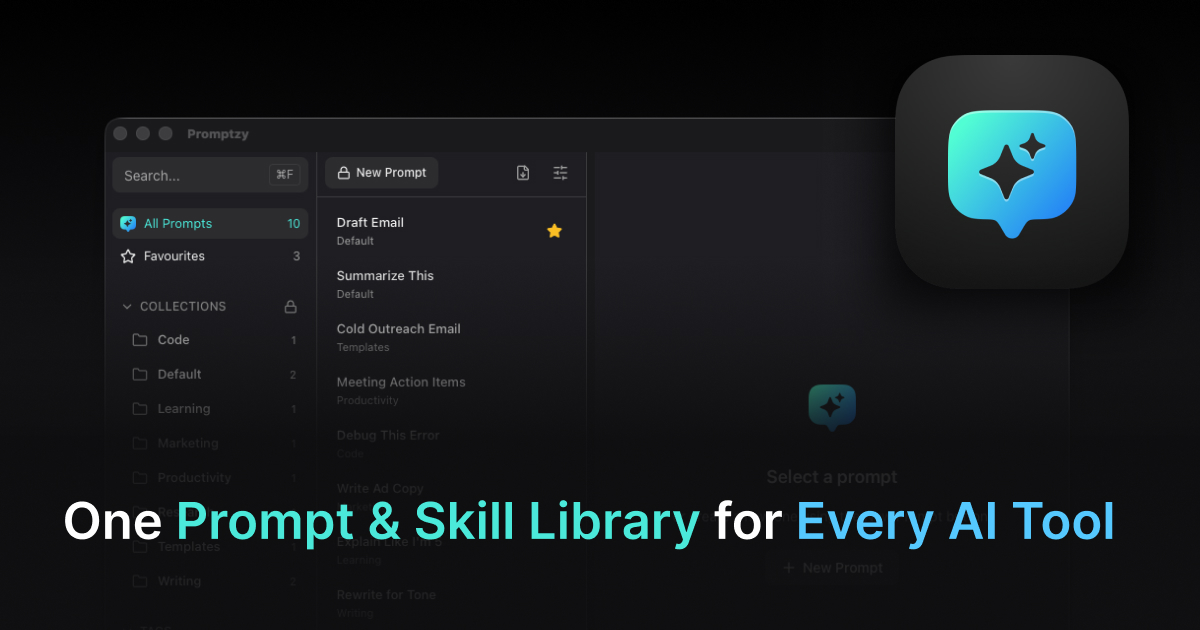
Promptzy treats skills and prompt templates as first-class objects. Both are stored as plain Markdown files. Both support dynamic variables. Both are accessible via the Cmd+Shift+P global shortcut.
The difference is in how they're used:
Skills sync to AI tools via multi-directional sync. Your code review skill appears in Claude Projects, in .cursorrules, and in OpenClaw automatically. When you update it in Promptzy, the change propagates. When you update it in Cursor, Promptzy detects the change.
Prompt templates are pasted on demand. You trigger them with the global shortcut or a per-skill keyboard shortcut, variables are resolved, and the text pastes into whatever app you're using.
Both types benefit from collections, tags, and favorites. Both are searchable. Both are portable because they're plain Markdown. The tool doesn't force you to choose a category. It provides the infrastructure for both patterns.
Common Mistakes When Managing Skills
Treating Every Saved Text as a Skill
Not everything deserves a spot in your skill library. A one-off prompt you used to debug a specific issue is not a skill. A general debugging methodology that applies to any issue is. Be selective. A library of 30 high-quality skills is more useful than 300 items of mixed quality, because the noise makes it harder to find what you need.
Writing Skills That Are Too Vague
"Be helpful and thorough" is not a useful skill. The AI already tries to do this. Effective skills provide specific, actionable instructions that change the AI's behavior in observable ways. If you can't tell the difference between the AI's output with and without the skill attached, the skill isn't doing anything.
Never Updating Skills
A skill you wrote three months ago and never revised is probably outdated. Your understanding of what works has evolved. Your projects have changed. Your standards have shifted. The best skill libraries are living documents that get refined continuously. Each refinement is small, but they compound into significant quality improvements over time.
Duplicating Skills Across Tools Without Sync
This is the most common and most costly mistake. You create a code review skill in Claude, copy it to Cursor, and then improve the Claude version without updating Cursor. Within a month you have two different versions producing inconsistent results. A synced skill library eliminates this problem entirely.
A Practical Exercise
Here's a way to audit your current approach:
- Open whatever you currently use to save AI instructions (Notes, Notion, text files, Claude Projects)
- For each saved item, ask: "Is this a one-time prompt, a prompt template, or a skill?"
- Separate them into three groups
- Look at the skills group. Are they actively maintained? Are they synced across your AI tools? Are they organized for retrieval?
Most people discover they have 5-10 genuine skills buried in a pile of one-off prompts. Those 5-10 skills are worth more than everything else combined. Getting them organized, synced, and easily retrievable is the single highest-value improvement to your AI workflow. For more on managing prompts across tools, see our cross-tool prompt management guide.
Start Managing Skills, Not Just Prompts
The shift from "saving prompts" to "managing skills" is a mindset change with practical consequences. Skills compound. Skills transfer. Skills create consistency. Prompts are ephemeral.
Download Promptzy and start with your five most important skills. Get them into the Markdown editor, tag them, and set up sync to your AI tools. The free tier supports 10 skills. Pro ($5 one-time) unlocks unlimited skills, {{clipboard}} tokens, per-skill keyboard shortcuts, and iCloud Sync across Macs.
Your skills are the most durable asset you build while working with AI. Treat them accordingly.
Store and manage your prompts with Promptzy
Free prompt manager for Mac. Search with Cmd+Shift+P, auto-paste into any AI app.
Download Free for macOS