
The 35 Best ChatGPT Prompts for Writers and Content Creators
I've spent the last year watching writers use AI in two completely different ways. The first group treats it like a vending machine — punch in "write me a blog post about X" and hope something usable comes out. The second group treats it like a writing partner — giving it specific context, a clear job, and constraints that actually produce something worth reading.
The prompts below are from the second group. They're specific, they produce real output, and they're designed to improve your writing rather than replace it. I've organized them by task so you can jump straight to what you need.
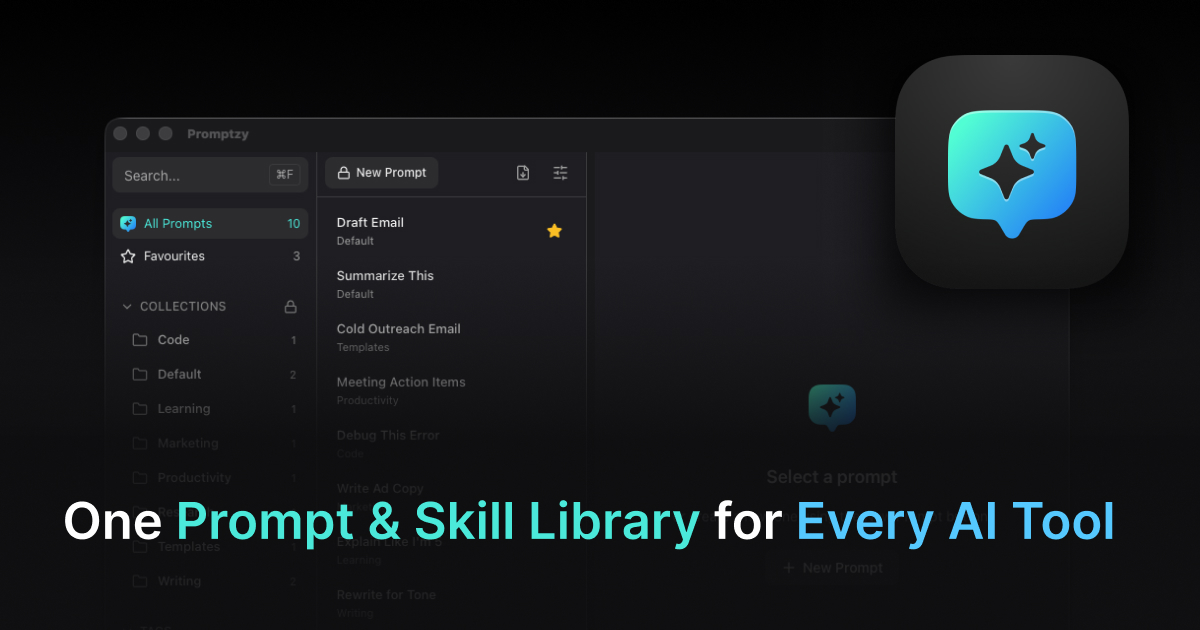
Before we get into it: if you use any of these regularly, save them. You can build a reusable writing prompt library in minutes, and it will pay off every time you sit down to write. Retyping prompts every time kills your flow. I built Promptzy specifically for this — it's a Mac app that lets you Cmd+Shift+P from anywhere and paste any saved prompt directly into ChatGPT, Claude, or wherever you're writing. Free to try.
Blog Post Prompts
1. First draft from a rough outline
I'm writing a blog post about [TOPIC]. My target reader is [AUDIENCE]. Here's my rough outline:
[PASTE OUTLINE]

Write a first draft in a conversational, direct tone. No corporate language, no generic intros. Start with a hook that names a specific frustration or observation. Aim for [WORD COUNT] words.
This works because it stops ChatGPT from writing the "In today's digital landscape..." intro that plagues every AI-generated post. You can also create writing templates with variables for tone, audience, and topic so one prompt adapts to any assignment.
2. Hook generator (when you're staring at a blank first line)
I'm writing a post about [TOPIC] for [AUDIENCE]. Give me 10 different opening lines. Mix formats: a specific stat, a counterintuitive take, a one-sentence story, a direct statement, a question. Don't use any of these openers: "In today's...", "Have you ever...", "As a [profession]...". Make them punchy.
3. Turning a transcript or rough notes into a structured post
Here are my raw notes/transcript from [TOPIC]:
[PASTE NOTES]

Pull out the key insights and turn this into a structured blog post. Keep it in first person. Don't pad it out — if my notes only support 600 words, write 600 words. Highlight the 2-3 most interesting points from what I wrote.
4. Tightening a draft that's too long
Here's my blog post draft:
[PASTE DRAFT]

Cut it by 25% without losing the core argument. Specifically: remove redundant sentences, cut any paragraph that doesn't add new information, tighten the intro and conclusion. Show me the edited version, not a list of suggestions.
5. SEO without sounding like SEO
My blog post is about [TOPIC] and I want to rank for "[TARGET KEYWORD]". Here's my draft:
[PASTE DRAFT]

Suggest where to naturally work in the keyword and 3-4 related phrases. Don't stuff it — only add where it reads naturally. Also suggest a meta description under 155 characters.
6. Generating a specific section you're stuck on
I'm writing a post about [TOPIC]. I've written everything except the [INTRO / CONCLUSION / SECTION ON X]. Here's the full post so far:
[PASTE EXISTING CONTENT]

Now write just the missing [SECTION]. Match the tone of the existing post exactly.
Newsletter Prompts
7. Newsletter intro that doesn't sound like a newsletter
I'm writing a newsletter to [AUDIENCE] about [TOPIC]. Write a 100-word opening that:
- Starts with a specific moment or observation (not "This week I want to talk about...")
- Makes the reader feel like they're getting something useful immediately
- Sets up the rest of the email
Tone: like a smart friend emailing you, not a brand newsletter.
If you write business emails beyond newsletters, our email writing prompts cover everything from cold outreach to internal updates.
8. Re-engagement email for dormant subscribers
I run a newsletter about [TOPIC]. I want to send a re-engagement email to subscribers who haven't opened in 3+ months. Write one that's honest about the gap, doesn't beg, offers a reason to stay, and gives an easy out to unsubscribe. Short — under 150 words.
9. Subject line testing (5 options)
My newsletter is about [TOPIC/MAIN IDEA OF THIS ISSUE]. Give me 5 subject line options. Include: one that's curiosity-driven, one that's direct and specific, one that's counterintuitive, one that's personal/honest, one wildcard. Flag which you'd send first and why.
10. Turning a long post into a newsletter digest
Here's a long blog post I wrote:
[PASTE POST]

Summarize it into a 200-word newsletter blurb that gives readers enough to decide if they want to read the full piece — without summarizing everything. End with a single clear link CTA.
Twitter/X Thread Prompts
11. Blog post → Twitter thread
Turn this blog post into a Twitter thread:
[PASTE POST]

Rules: First tweet is the hook (not "a thread"). Each tweet is one idea, max 250 characters. Last tweet is a CTA or key takeaway. No emojis unless they genuinely add something. Number each tweet.
12. Standalone thread from a topic
Write a Twitter thread about [TOPIC] for [AUDIENCE]. Structure: hook tweet → 7-9 substance tweets → landing tweet. The hook should make someone who scrolls past stop. Don't pad — if you run out of things to say, write fewer tweets.
13. Thread hook generator
I'm writing a Twitter thread about [TOPIC]. Give me 8 different hook options. Mix formats: a stat, a story opener, a counterintuitive claim, a direct statement, a "most people don't know" angle. Don't repeat the same structure twice. I'll pick one.
YouTube Script Prompts
14. YouTube script from a blog post
Here's a blog post:
[PASTE POST]

Rewrite this as a YouTube script. The spoken version should:
- Open with a hook that works on video (visual or story-based)
- Use shorter sentences than the written version
- Include [B-ROLL SUGGESTION] notes where visuals would help
- End with a natural call to subscribe/comment (not a corporate outro)
Target length: [TIME] minutes when read at normal pace.
15. YouTube script from scratch
Write a YouTube script about [TOPIC] targeting [AUDIENCE]. Format:
- Hook (0:00-0:30): visual or story-based opening
- Problem setup (0:30-1:30): why this matters to the viewer
- Main content sections with transition phrases
- Conclusion with takeaway + CTA
Tone: direct and conversational, like you're talking to one person. No filler phrases like "make sure to smash that like button". Length: ~[X] minutes.
Book and Long-Form Prompts
16. Chapter outline from a book concept
I'm planning a book about [TOPIC] for [AUDIENCE]. The core argument is: [THESIS]. Give me a 10-chapter outline where each chapter builds on the last. For each chapter: working title, 2-sentence description of what it covers, and what the reader knows after reading it that they didn't before.
17. Unsticking a chapter you've been avoiding
I'm writing a chapter about [TOPIC]. I've been avoiding it because [REASON — too abstract / not enough material / don't know where to start]. Here's what I know I want to say:
[ROUGH NOTES]

Help me find a structure. What's the most interesting way into this topic? What's a concrete example or story I could open with? What's the one thing the reader should understand by the end?
18. Fact-checking your claims
Here's a section of my book manuscript:
[PASTE SECTION]

Flag any claims that might be wrong, outdated, or that I should verify before publishing. Also flag anything that's too vague — where a reader might reasonably ask "how do you know this?"
Editing and Revision Prompts
19. Passive voice purge
Rewrite the following passages in active voice. Don't change the meaning. Keep the same tone. Only change the sentence structure.
[PASTE TEXT]
20. Sentence variety audit
Read this passage and flag any patterns:
[PASTE TEXT]
Look for: sentences that all start the same way, runs of similarly-structured sentences, paragraphs that are all the same length. Give me 3 specific rewrite suggestions to break up the monotony.
21. "Does this make sense?" check
Read this section as if you've never heard of [TOPIC] before:
[PASTE SECTION]
Note where you got confused, where a term wasn't defined, or where the logic jumped too fast. I want to know where I lost you — not what you'd change the writing to say.
22. Cut the fluff
Here's a paragraph that I know is too wordy:
[PASTE PARAGRAPH]
Rewrite it at 60% of the current word count. Don't lose any information — just remove the padding. Then tell me which phrases you cut and why.
23. Consistency check across a long document
Here's my style guide for this piece:
- [KEY STYLE RULES]
Here's a section of the draft:
[PASTE SECTION]
Flag any inconsistencies with the style guide. Also flag any places where the tone shifts noticeably from the rest.
Overcoming Writer's Block
24. The "bad version" prompt
Write a deliberately bad first paragraph about [TOPIC]. Make it clichéd, generic, too wordy. Then write a good version right after it. Show me the contrast so I can see what I'm avoiding.
25. The interview method
I want to write about [TOPIC] but I don't know where to start. Interview me. Ask me 5 specific questions that will help me figure out what I actually want to say. Then, based on my answers, suggest an angle for the piece.
26. The constraint generator
I'm writing about [TOPIC] and I'm stuck in a rut. Give me 5 weird constraints I could try:
- A different format (Q&A, numbered list, letter to someone, etc.)
- A different audience than I usually write for
- A counterintuitive angle
- A specific word count limit that would force me to be more concise
- A constraint on what I'm NOT allowed to say
27. The "what's actually interesting here" prompt
I'm trying to write about [TOPIC]. Here's everything I know:
[BRAIN DUMP]

What's the most interesting angle buried in this? What would make someone who doesn't care about [TOPIC] actually want to read it? What's the unexpected insight?
Research and Ideation Prompts
28. Content gap analysis
I write about [TOPIC] for [AUDIENCE]. Here are 5 posts I've already written:
[LIST TITLES OR SUMMARIES]

What are the gaps? What questions would my audience have after reading these that I haven't answered yet? Give me 10 specific post ideas that complement what I've already covered.
29. Angle generator for a tired topic
I need to write about [TOPIC] but it's been covered to death. Give me 8 fresh angles:
- An unexpected audience who cares about this
- A contrarian take that's actually defensible
- A "what nobody talks about" angle
- A historical angle
- A "here's what I got wrong about this" personal angle
- A "here's what X years of experience taught me" angle
- A data/research-driven angle
- A "this changes for [TYPE OF PERSON]" angle
30. Competitor/source analysis
Here are 3 posts about [TOPIC] that rank well or get a lot of traffic:
[PASTE TITLES/URLS or SUMMARIES]

What are they doing well? What are they missing? What angle could I take that's genuinely different and better?
Repurposing Prompts
For a deeper dive into professional social writing, see our dedicated LinkedIn post prompts guide.
31. Long post → LinkedIn post
Here's a blog post:
[PASTE POST]

Write a LinkedIn post based on the most interesting insight in it. Format: 1-2 line hook → 3-5 lines of substance → 1 line CTA or question. No hashtag stuffing. Don't make it sound like a blog summary — pull out one idea and make it standalone.
32. Post → email pitch to a publication
I want to pitch this piece (or a version of it) to [PUBLICATION]. Here's the post:
[PASTE POST]

Write a 150-word pitch email. Include: a one-sentence hook, why it fits their audience, what I'd add or change for their format, and a short bio line. Don't oversell it.
33. Evergreen post → updated version
Here's a post I wrote in [YEAR] about [TOPIC]:
[PASTE OLD POST]

What's likely outdated now? What should I add, cut, or change to make this current for 2026? Give me a list of specific updates, then write the updated version.
Prompt Management Tip
Most writers I know save their best prompts in a Notes file or scattered across browser bookmarks. The problem is retrieval — you know you saved a prompt but you can't find it mid-workflow.
I built Promptzy because I was retyping the same editing prompts every day. It also includes a built-in Markdown editor, so you can draft and refine prompts -- or any .md file -- in a clean, distraction-free writing surface with line numbers and search. Now I press Cmd+Shift+P on my Mac, type "tight" to find my "tighten this draft" prompt, hit Enter, and it's pasted directly into ChatGPT. Takes about 2 seconds.
If you're going to save any of these prompts, save them somewhere you can actually reach them when you're writing. Store these in a Promptzy vault so they're always one Cmd+Shift+P away.
The Two Prompts I Actually Use Every Day
Out of everything above, two get daily use in my writing workflow:
The "cut by 25%" prompt (#4) — I write long, always. Running a draft through this prompt before I publish is now a reflex. ChatGPT is ruthless about finding padding in a way I'm not when I'm attached to what I wrote.
The "does this make sense" check (#21) — I read every piece I write so many times that I can't see the gaps anymore. Asking ChatGPT to read it fresh, flagging where it got confused, catches the jumps in logic I've stopped noticing.
Start with those two. Then work through the rest as you need them.
Promptzy is a native Mac app for managing your AI prompts — paste your writing prompts anywhere with a shortcut. Press Cmd+Shift+P anywhere on your Mac to search and paste any saved prompt. Free to download.
Store and manage your prompts with Promptzy
Free prompt manager for Mac. Search with Cmd+Shift+P, auto-paste into any AI app.
Download Free for macOS