
The 40 Best ChatGPT Prompts for Developers (Copy-Paste Ready)
If you write code every day, you've probably noticed that your best AI results come from prompts you've refined over time — not the generic ones you type in a hurry. Once you find prompts that work, save your go-to developer prompts so you can reuse them without retyping. This list is the result of months of iteration. These are prompts that actually work, grouped by the tasks developers face most.
Each one is specific enough to get a real answer, and flexible enough to apply to your actual codebase. Where the prompt needs your input, I've used {{clipboard}} to mark where your code or context goes.
Code Review
These are the prompts I use most. Pasting code into ChatGPT without any context gets mediocre results. Pasting it with a focused prompt gets a real code review.
1. General code review
Review the following code for bugs, security vulnerabilities, performance issues, and readability. Be specific — point to line numbers where possible and suggest concrete fixes.

{{clipboard}}
2. Security-focused review
Audit this code for security vulnerabilities. Focus on: injection attacks, authentication flaws, insecure data handling, and any OWASP Top 10 concerns. Explain each issue and how to fix it.

{{clipboard}}
3. Performance review
Analyse this code for performance bottlenecks. Identify expensive operations, unnecessary iterations, memory issues, and suggest optimisations with example rewrites.

{{clipboard}}
4. Review for a junior developer
Review this code as if you're a senior engineer mentoring a junior. Explain what's good, what could be improved, and why — in a way that helps them learn, not just copy a fix.

{{clipboard}}
5. API design review
Review this API design. Evaluate: naming conventions, RESTful principles, error handling, response consistency, and developer experience. Suggest specific improvements.

{{clipboard}}
Debugging
When you're staring at an error message at 11pm, you don't want to explain the whole codebase. These prompts get you answers fast. For an even deeper set of debugging-specific prompts, we have a dedicated guide.
6. Debug a specific error
I'm getting this error: {{clipboard}}

Here's the relevant code. Explain what's causing it and give me a fix.
7. Rubber duck debugging
I'm going to explain a bug I'm trying to fix. Ask me questions to help me think through it. Don't give me the answer immediately — help me find it myself.

Here's the problem: {{clipboard}}
8. Explain unexpected behaviour
This code should do X but it's doing Y. Walk me through what's actually happening, step by step, and explain why it behaves this way.

{{clipboard}}
9. Fix a failing test
This test is failing. Here's the test and the relevant implementation code. Diagnose why it fails and suggest a fix.

{{clipboard}}
10. Debug async/concurrency issues
This code has a race condition / async bug. Analyse it for timing issues, missing awaits, or concurrency problems and suggest a fix.

{{clipboard}}
Explaining Code
Great for onboarding, documentation, or understanding legacy code someone else wrote.
11. Explain this code simply
Explain what this code does in plain English. Assume the reader knows how to code but hasn't seen this codebase before.

{{clipboard}}
12. Explain like I'm 5
Explain what this code does as if you're explaining to a non-technical person. Use analogies, not jargon.

{{clipboard}}
13. Explain a complex algorithm
Walk me through this algorithm step by step. Explain the logic, the time/space complexity, and when you'd choose this approach over alternatives.

{{clipboard}}
14. Summarise a large file
Summarise what this file does. What's its purpose, what are the main functions/classes, and what should a new developer know before modifying it?

{{clipboard}}
If you're using Claude instead of (or alongside) ChatGPT, many of these translate directly — but Claude's XML-structured prompts unlock even better results. See our Claude prompts for developers for Claude-specific versions. And if you want AI directly in your editor, check out Cursor AI prompts for in-editor coding.
Writing & Improving Code
15. Refactor for readability
Refactor this code to be more readable and maintainable. Keep the same behaviour but improve: naming, structure, comments where needed, and eliminate unnecessary complexity.

{{clipboard}}
16. Convert to async/await
Convert this callback-based / Promise chain code to use async/await. Preserve error handling and add any missing try/catch blocks.

{{clipboard}}
17. Add TypeScript types
Add TypeScript types to this JavaScript code. Infer types from usage where possible, and use generics where appropriate.

{{clipboard}}
18. Make it testable
Refactor this code to make it easier to unit test. Identify the key changes needed (dependency injection, separating concerns, etc.) and rewrite accordingly.

{{clipboard}}
19. Optimise this function
This function is called frequently and needs to be faster. Optimise it without changing its interface. Explain the changes you made and the expected improvement.

{{clipboard}}
20. Add error handling
Add proper error handling to this code. Cover: input validation, expected failure cases, unexpected exceptions, and ensure errors are logged or surfaced appropriately.

{{clipboard}}
Writing Tests
Getting AI to write tests is one of the highest-ROI prompts in any developer's library.
21. Write unit tests
Write comprehensive unit tests for this function/class. Cover: happy path, edge cases, error cases, and boundary conditions. Use [Jest/pytest/whatever framework is appropriate].

{{clipboard}}
22. Write integration tests
Write integration tests for this API endpoint/module. Test the full flow including database interactions and external service calls (use mocks where appropriate).

{{clipboard}}
23. Generate test cases (without code)
List the test cases I should write for this function. Don't write the tests yet — just describe what needs to be tested and why.

{{clipboard}}
24. Improve test coverage
Analyse this function and my existing tests. What's missing? What edge cases aren't covered? Suggest additional test cases.

{{clipboard}}
Documentation
25. Write a docstring/JSDoc
Write a docstring/JSDoc comment for this function. Include: purpose, parameters with types, return value, exceptions thrown, and a usage example.

{{clipboard}}
26. Write a README section
Write a clear README section explaining how to use this module/class/API. Include: what it does, how to install/import it, basic usage example, and configuration options.

{{clipboard}}
27. Write inline comments
Add inline comments to this code where the logic is non-obvious. Don't over-comment simple code — focus on the why, not the what.

{{clipboard}}
28. Write a changelog entry
Write a changelog entry for these changes. Follow Keep A Changelog format. Be specific about what changed, what was added, and what was fixed.

{{clipboard}}
Git & Pull Requests
29. Write a commit message
Write a git commit message for these changes. Follow the conventional commits format (feat/fix/refactor/etc). Be specific — not just "update code".

{{clipboard}}
30. Write a PR description
Write a pull request description for these changes. Include: what the PR does, why it was needed, how it was implemented, and what reviewers should focus on.

{{clipboard}}
31. Review a PR diff
Review this pull request diff. Look for: bugs, missing edge cases, unnecessary changes, performance issues, and suggest any improvements.

{{clipboard}}
Architecture & Design
32. Design a data model
Help me design a database schema for the following requirements. Suggest tables/collections, relationships, indexes, and note any tradeoffs in your design.

Requirements: {{clipboard}}
33. Choose between approaches
I need to choose between these two approaches: {{clipboard}}

Compare them on: performance, maintainability, complexity, scalability, and your recommendation for my use case.
34. System design review
Review this system design. Identify potential bottlenecks, single points of failure, scaling issues, and security concerns. Suggest improvements.

{{clipboard}}
35. Break down a feature into tasks
Break down the implementation of this feature into specific engineering tasks. Order them by dependency (what needs to be done first). Include estimated complexity (S/M/L) for each.

Feature: {{clipboard}}
Regex, SQL & Other Specifics
36. Write a regex
Write a regex that matches: {{clipboard}}

Explain each part of the pattern and note any edge cases it handles or misses.
37. Optimise a SQL query
Optimise this SQL query for performance. Suggest indexes, rewrite subqueries, and explain the improvements.

{{clipboard}}
38. Write a SQL query from description
Write a SQL query that: {{clipboard}}

Use standard SQL. Note any assumptions about the schema.
39. Explain a shell command
Explain this shell command/script in plain English. Break down each flag and pipe.

{{clipboard}}
40. Convert between languages
Convert this {{from_language}} code to {{to_language}}. Keep the same logic and add comments where the translation isn't 1:1.

{{clipboard}}
Save These as Skills That Sync Everywhere
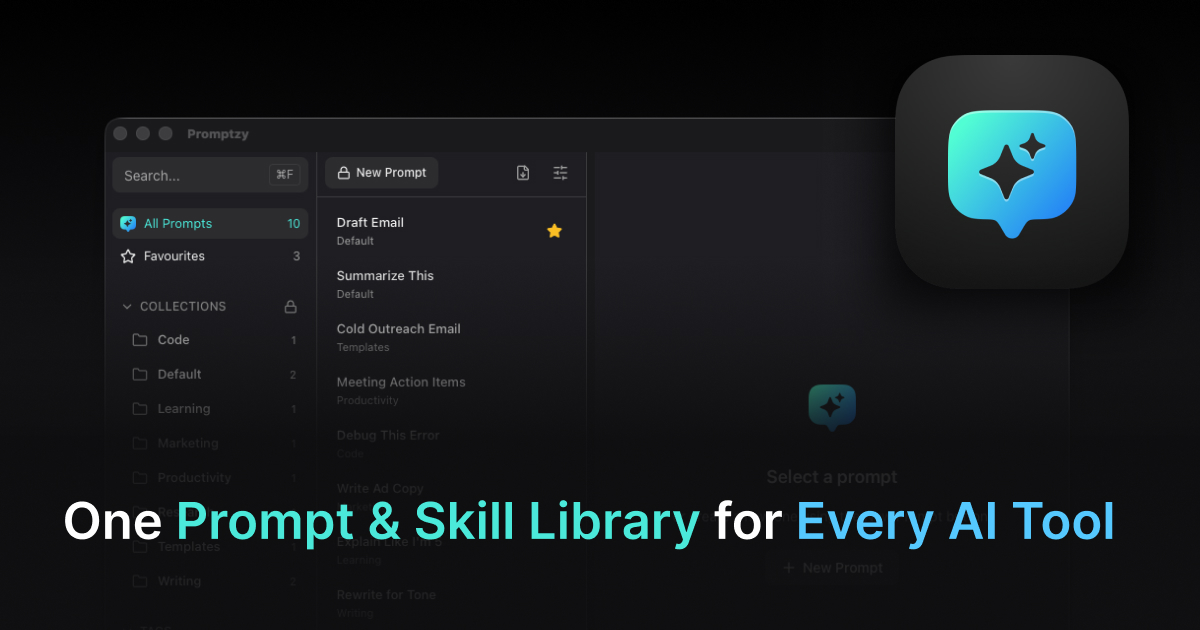
These prompts become even more powerful when you save them as skills that automatically sync across your AI tools. Store them in Promptzy and they're available not just in ChatGPT, but in Cursor and Claude too. Create or edit a skill in any app, and the change flows to the others automatically. No more maintaining separate prompt collections per tool. For a full walkthrough, see our guide to managing prompts across AI tools.
How to Actually Use These
The prompts above are useful on their own. They're even more useful when you can fire any of them in 2 seconds without copy-pasting.
That's what Promptzy does — it's a native macOS app that stores prompts as plain Markdown files and lets you search and paste them from anywhere with Cmd+Shift+P. The {{clipboard}} tokens resolve at paste time, so your code is already in the prompt when it lands in ChatGPT.
Store these 40 prompts in a Developer collection in Promptzy, assign keyboard shortcuts to your top 5, and you'll never retype a code review prompt again. There's also a built-in Markdown editor with line numbers and search, so you can edit prompts directly in the app without switching to another tool. For a comparison of the best prompt managers for Mac, see our full roundup.
promptzy.app — free to download, $5 one-time Pro.
Store and manage your prompts with Promptzy
Free prompt manager for Mac. Search with Cmd+Shift+P, auto-paste into any AI app.
Download Free for macOS